 KeyHole
Social
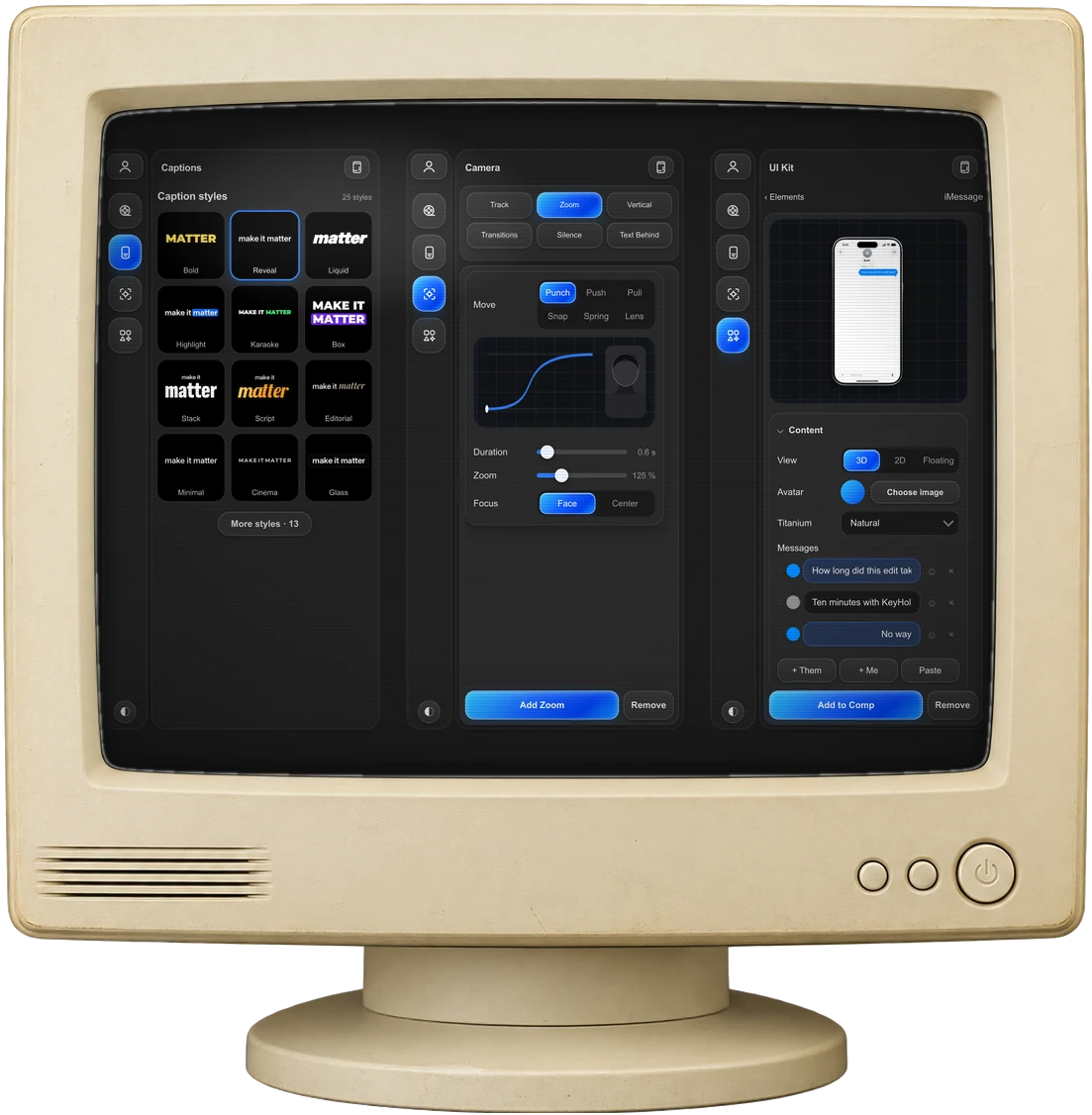
Captions, cuts, camera moves and phone UI for short videos, in one After Effects panel.


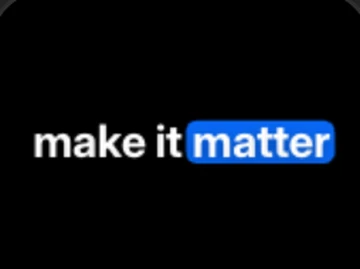
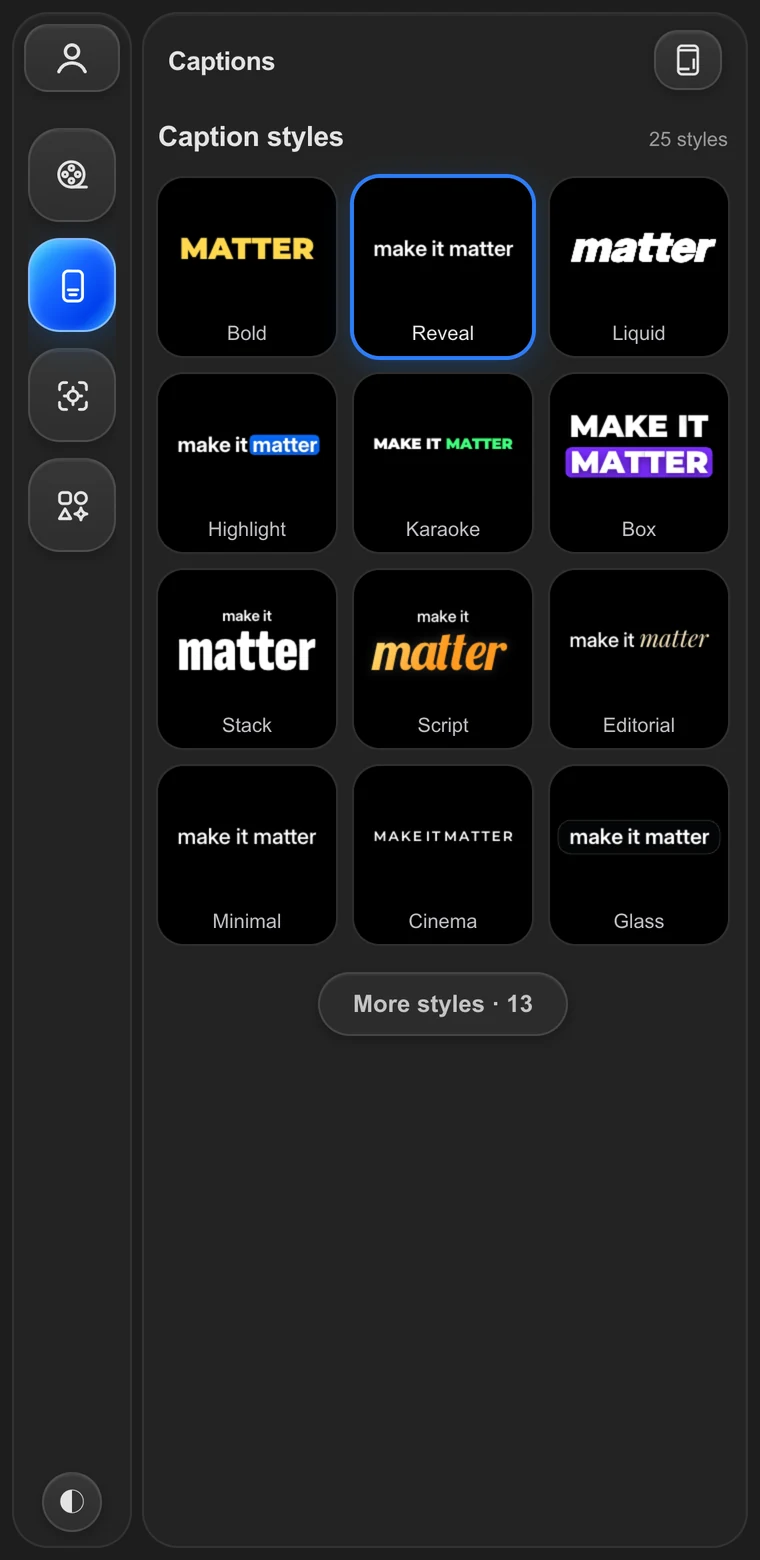
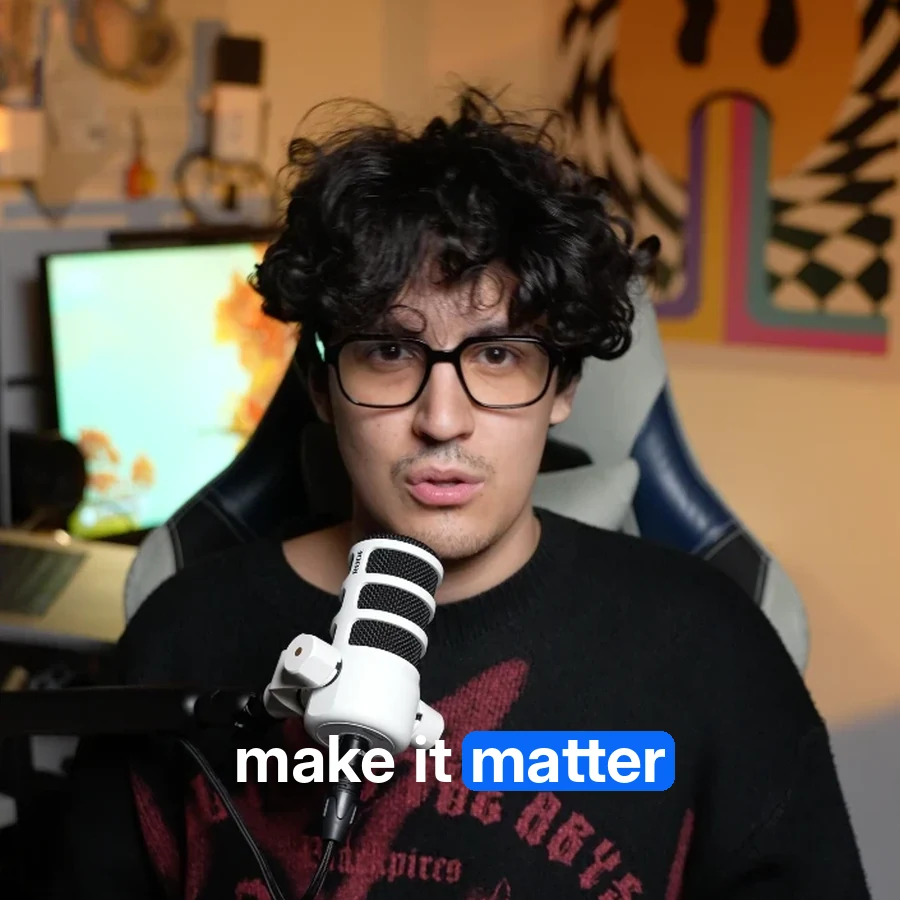
25 caption styles
5-step reel · 3 real chats
macOS and Windows
Four tools.
One panel.
Everything a talking-head reel needs between the raw clip and the upload, without leaving your composition.
Real chats.
On a real iPhone.
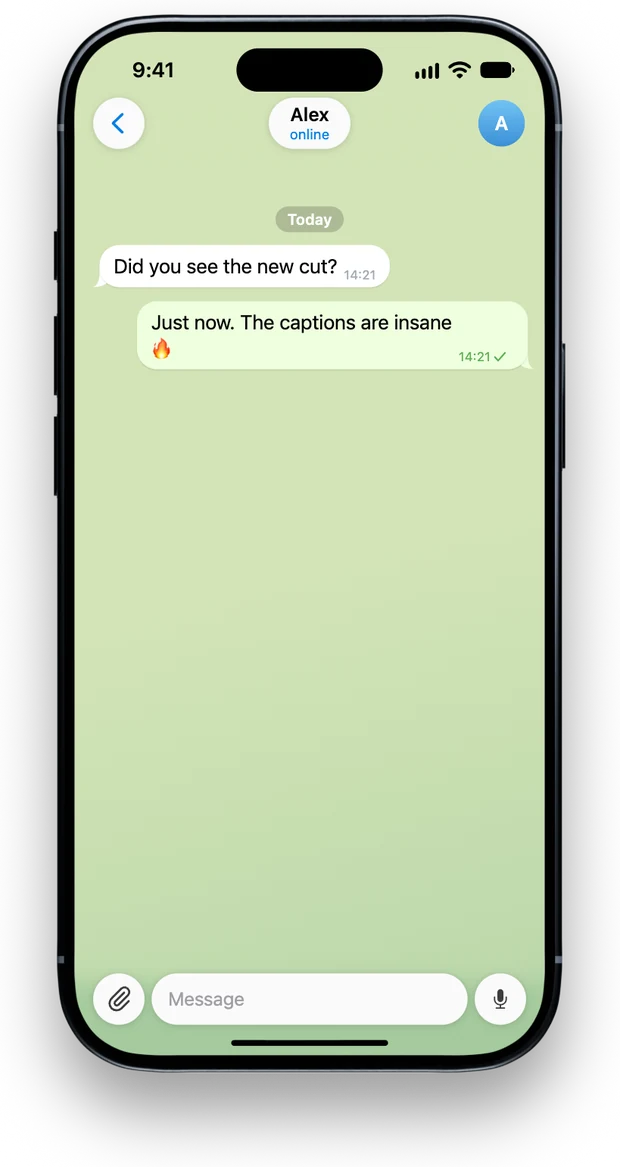
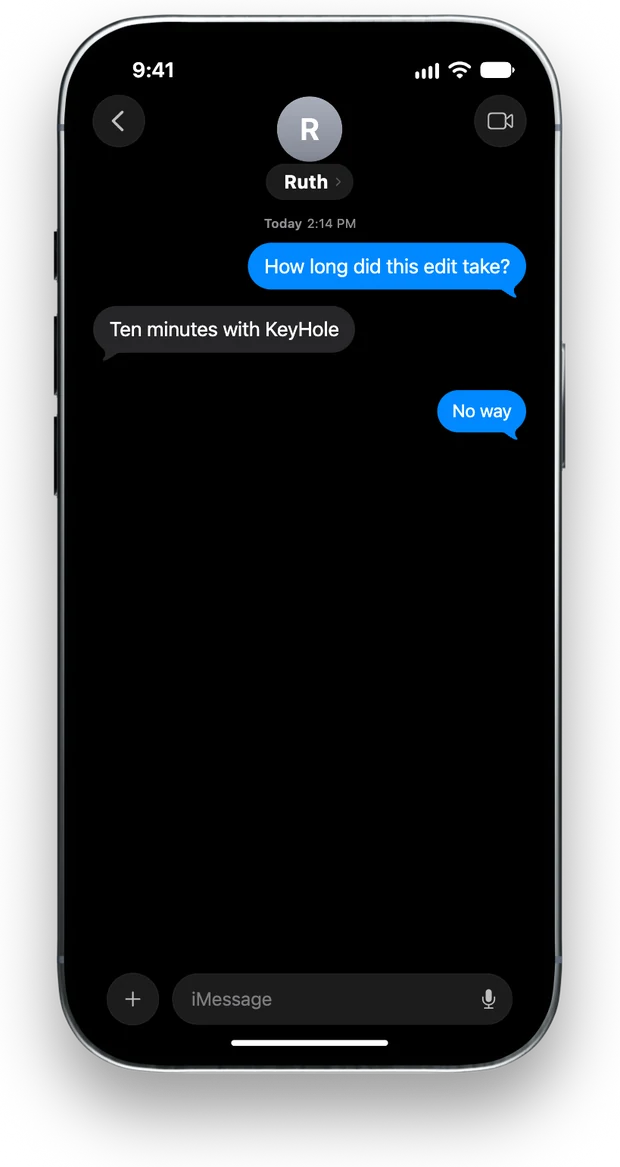
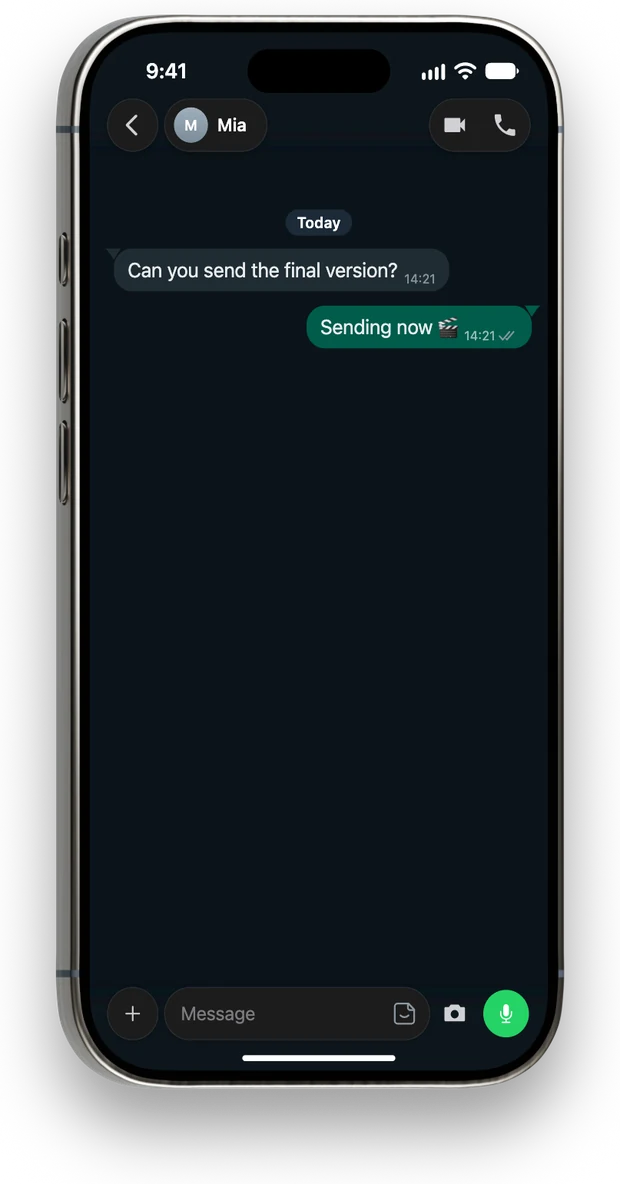
iMessage, Telegram and WhatsApp, measured against the real apps, in light or dark, animated in and out.
Try the panel.
Right here.
The real interface, running in your browser. Click around: tabs, styles, zooms, chats.
- Pick a caption styleEvery tile is the real style, previewed live.
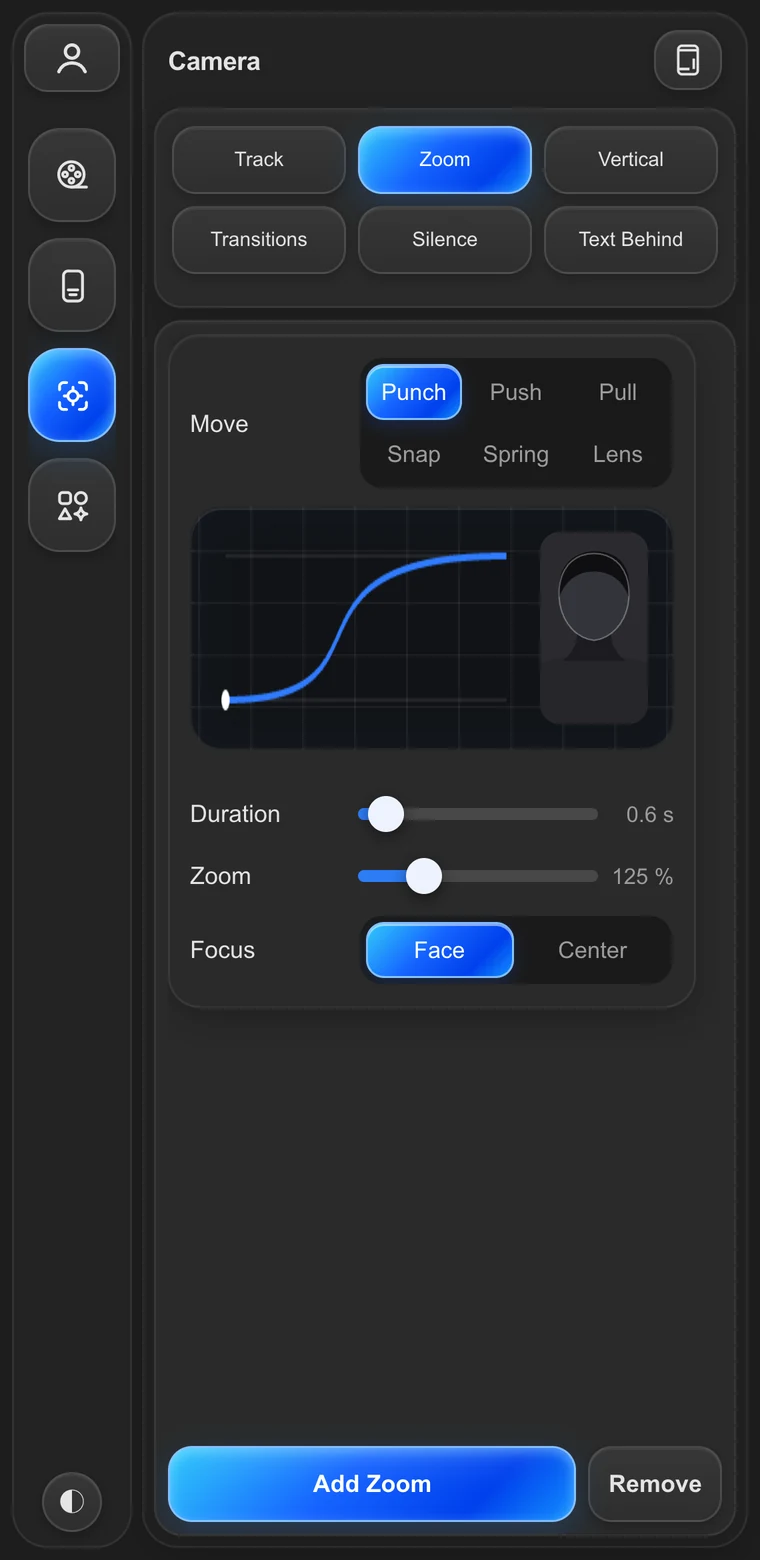
- Open the Camera tabChange the zoom and watch the curve move.
- Type a chatIn UI Kit, edit the messages and switch the phone.
- A browser preview of the panel. Adding to a comp needs After Effects.
What you need.
Not much.
- After Effects 2022 or newerOn macOS or Windows x64.
- Speech recognition on your computerModels download once on first launch, about 1.4 GB. After that it works offline.
- Your footage stays yoursNothing you edit is uploaded. Face tracking runs on macOS for now.